Iconic CAD · Design Training
DESIGN YOUR ENTIRE WORLD.
DRAG. DROP. BUILD.
Iconic CAD is the software layer that turns any motivated person into a capable infrastructure designer — without an engineering degree. 500+ expert-encoded icons. 10 infrastructure domains. 30+ trades. One platform.
500+
Expert-Encoded Icons
10
Infrastructure Domains
30+
Trades Covered
0
Engineering Degrees Required
THE BIG IDEA
WHAT IS
ICONIC CAD?
Watch short video above for demonstration
Iconic CAD is a design system where every icon on your screen is secretly an engineer. Each icon represents a real, buildable system — a solar array, a biodigester, a geothermal loop, a barn, a road — and is connected to real engineering specifications, real materials costs, and real fabrication files.
When you drag an icon onto your site map, you're not just drawing. You're making real design decisions. The system knows what each component requires, what it connects to, and what it costs. You get the clarity of a simple drag-and-drop interface with the power of a full engineering environment behind it.
This is the missing link between "I want to build something" and "here is a fabrication-ready plan."

It feels like a video game.
Place icons on a site map. Arrange. Rearrange. See your design come alive with real visuals.

It works like LEGO.
Every piece is pre-engineered. They only connect in ways that work. No guessing. No mistakes from missing knowledge.

It outputs like a real firm.
When you're done, you get a bill of materials, cost estimate, and production-grade CAD files — not a sketch.

It scales from a house to a village.
Start with a home. Add an energy system. Add a farm. Add a workshop. Design a full 30-acre development node — all in one platform.
THE PROCESS
HOW ICONIC CAD
ACTUALLY WORKS
01
🗺️
Start With Your Site
Upload or sketch your land boundary. Drop in terrain contours, solar exposure zones, drainage flow lines, and soil types. Every icon you place is a real engineering data point — not a decoration.
↓
02
🧩
Build Layer by Layer
Add systems one domain at a time. Energy comes before buildings. Water comes before agriculture. Logistics comes before manufacturing. Each layer builds on the last — exactly like a real development project.
↓
03
📦
Export a Production Package
When you're satisfied, Iconic CAD generates a full build package: parametric CAD files, bill of materials, cost estimate, and service options (self-build, workshop, or turnkey). No engineer needed to make it real.
THE TEN DOMAINS
10 LAYERS THAT BUILD
AN ENTIRE CIVILIZATION
Iconic CAD organizes all of infrastructure into 10 logical domains. Each domain is its own layer of your site design — and each one maps to multiple real-world trades. Click any domain in the live product to see exactly what trades it covers, what you'll learn, and what it produces. Below are examples from the first domains.
🗺️ DOMAIN 01
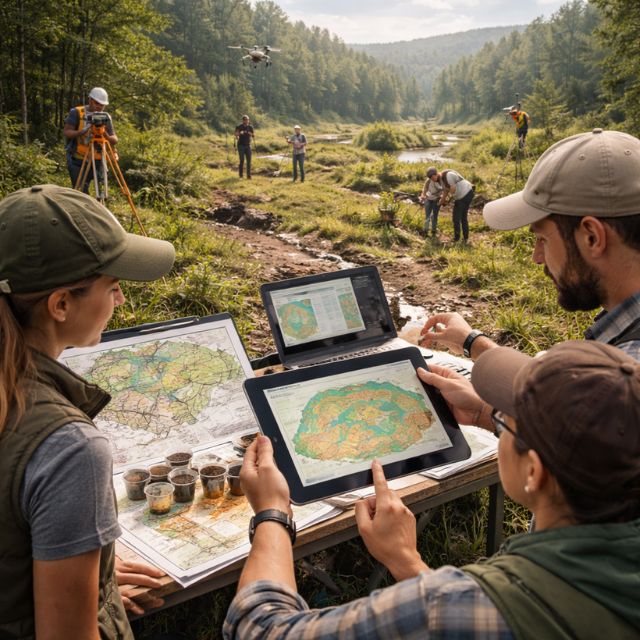
Base Map & Terrain
The foundation of everything. Before you can build anything, you must understand the land — slopes, drainage, soil, frost lines, and legal boundaries.
- Land Surveying
- Site Analysis
- GIS Mapping
Produces → Site boundary, grading plan, legal package
What You'll Learn
Reading topographic maps and slope analysis
Placing site boundaries, easements, and parcel lines
Understanding soil type zones and bedrock depth
Frost depth zones for foundation planning
Cut/fill zones and compaction requirements
Erosion and landslide risk mapping
Key Icons in This Domain
Site boundary + parcel subdivision
Contour lines (1 ft, 5 ft, 10 ft)
Slope gradient & aspect (solar exposure)
Drainage flow lines + watershed boundary
Survey control point + benchmark markers
GIS reference grid
What This Unlocks
Legal site documentation for permits
Foundation placement decisions
All subsequent domain planning
Accurate materials cost estimates
Correct utility trench routing
💧 DOMAIN 02
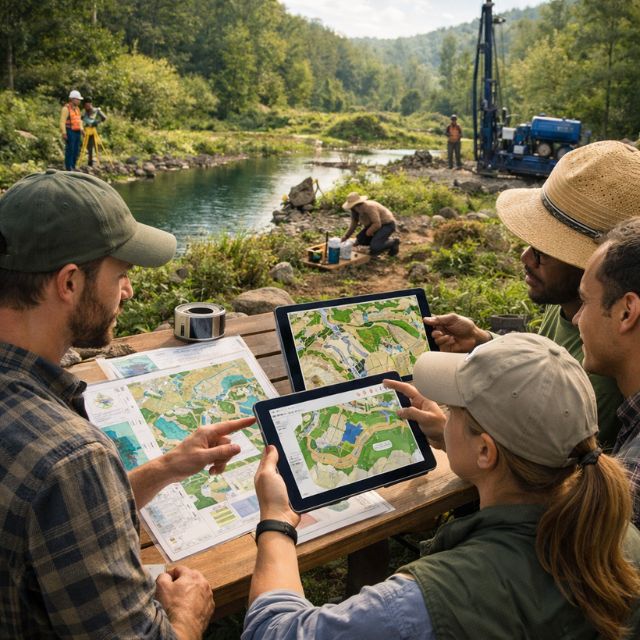
Water Systems & Earthworks
Move water. Shape land. Design the ponds, swales, wells, and irrigation systems that make a productive site possible. This is the "circulatory system" of your land.
Earth moving
Hydrology
Well Drilling
Irrigation Design
Produces → Water independence, flood control, irrigation grid
What You'll Learn
Swale and berm placement for passive water harvesting
Pond design: retention, detention, aquaculture
Well placement, cisterns, and rainwater catchment
Drip irrigation, sprinkler, and gravity-fed systems
Greywater and blackwater routing
Erosion control: gabion walls, retaining walls
Key Icons in This Domain
Swales, berms, terraces, keyline plow lines
Retention/detention/aquaculture ponds
Wells, cisterns, water towers, pressure tanks
Drip + sprinkler + pivot irrigation systems
Ram pumps, solar pumps, electric pumps
French drains, infiltration trenches
What This Unlocks
Water independence from municipal systems
Productive agriculture at scale
Fire protection water supply
Passive cooling through water bodies
Aquaculture food production
⚡ DOMAIN 03
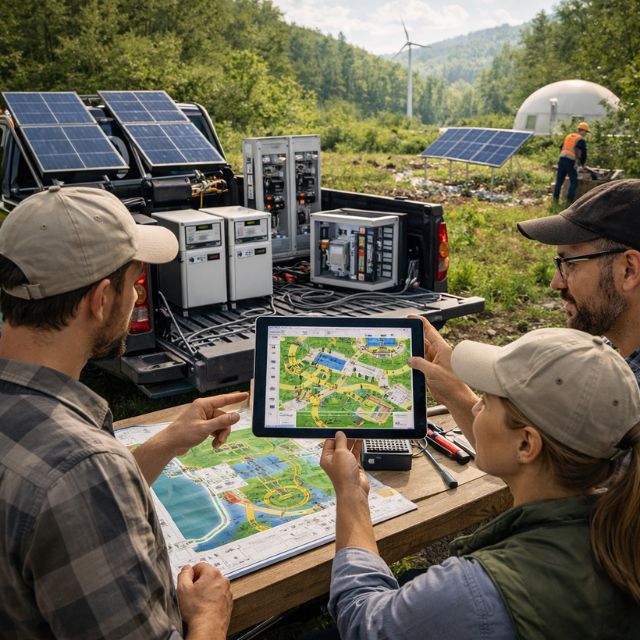
Energy Infrastructure
Power everything. Design solar arrays, wind turbines, biogas digesters, battery banks, and microgrids. The energy layer determines what is possible in every other domain.
Solar PV
Battery Systems
BioGas Engineering
Grid Design
Produces → Full energy independence — solar, storage, backup, distribution
What You'll Learn
Solar PV ground mount, roof mount, tracking systems
Wind, micro hydro, and biogas generation
Lithium, lead-acid, flow, and sodium battery banks
Hydrogen electrolyzer and storage systems
Thermal storage — the OSE thermal battery approach
DC/AC microgrid design and islanding
Key Icons in This Domain
PV arrays (ground, roof, floating, tracker)
Biogas digester + biomass gasifier
Battery banks + thermal storage tanks
Inverters, charge controllers, breaker panels
Microgrids (DC + AC) and grid intertie
SCADA monitoring + smart meters
What This Unlocks
90%+ energy independence from the grid
Near-zero monthly utility bills
EV charging on-site
Powered manufacturing and machine shop
Climate-controlled storage and production
🔧 DOMAIN 04
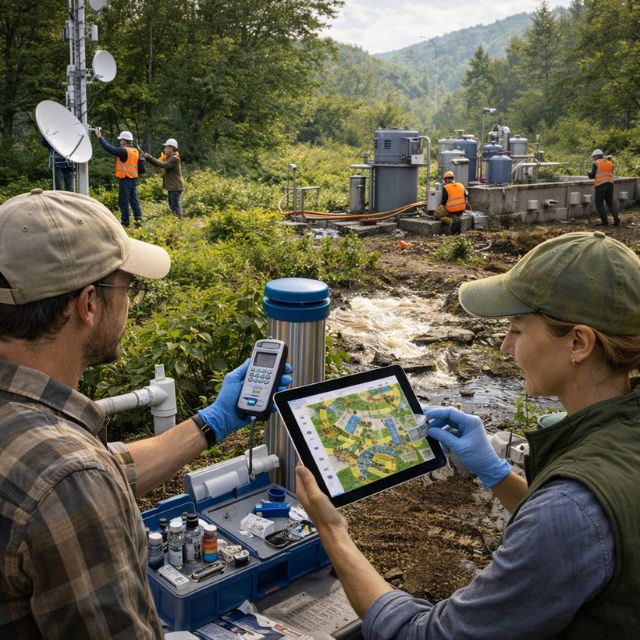
UTILITIES
The invisible backbone. Water treatment, internet, communications, waste management, and monitoring systems that keep a site functioning reliably and indefinitely.
Water Treatment
Telecoms
Waste Systems
Sensor Networks
Produces → Clean water, fast internet, waste treatment, remote monitoring
What You'll Learn
Drinking water treatment: RO, UV, ozone, carbon
Greywater and blackwater separation and routing
Septic, leach field, and composting toilet systems
Fiber, wireless mesh, and satellite internet
Local AI server and edge computing nodes
Air quality, soil, and water sensor arrays
Key Icons in This Domain
RO + UV + ozone water treatment
Septic + leach field + constructed wetland
Fiber line + wireless tower + mesh nodes
Server rack + edge computing + local AI
Soil, water, air quality sensor networks
Utility trench + valve box + meter cluster
What This Unlocks
Safe drinking water, anywhere
High-speed internet off the grid
Real-time monitoring of all site systems
Regulatory compliance documentation
Remote operations capability
🌱 DOMAIN 05
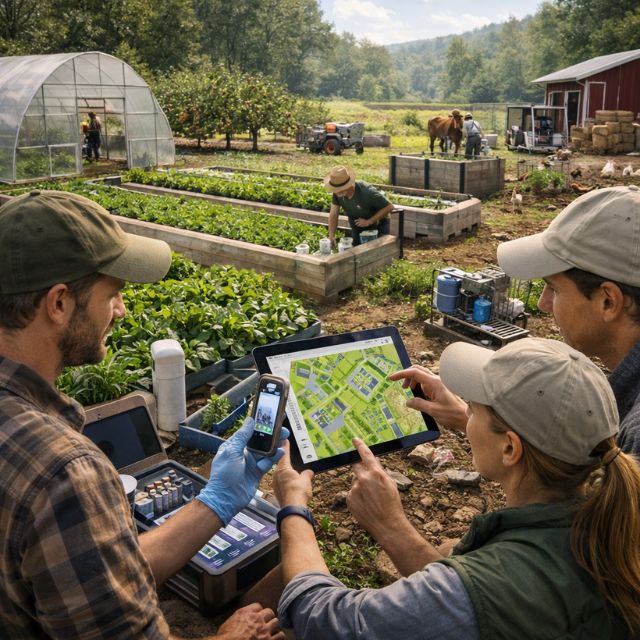
AGRICULTURE SYSTEMS
Grow food at scale. Design orchards, greenhouses, aquaponics, livestock operations, and processing facilities. Turn your land into a productive, regenerative food system.
Permaculture
GreenHouse Design
Livestock Management
Food Processing
Produces → Food independence, farm enterprise, agricultural products
What You'll Learn
Orchard, food forest, and annual field layout
Greenhouse and high tunnel design and siting
Aquaponics and hydroponics systems
Rotational grazing paddock design
Composting, vermiculture, and biochar
On-farm food processing and cold storage
Key Icons in This Domain
Orchard + food forest + annual fields
Greenhouse + high tunnel + shade house
Aquaponics + hydroponics + aeroponics
Livestock paddocks + barn + chicken coop
Composting + biochar + vermiculture
Cold storage + dairy + butchery + milling
What This Unlocks
Full food independence from grocery stores
Farm business with multiple revenue streams
Year-round production in any climate
Community food supply for 30+ people
Nutrient-dense food for far less money
🏠 DOMAIN 06
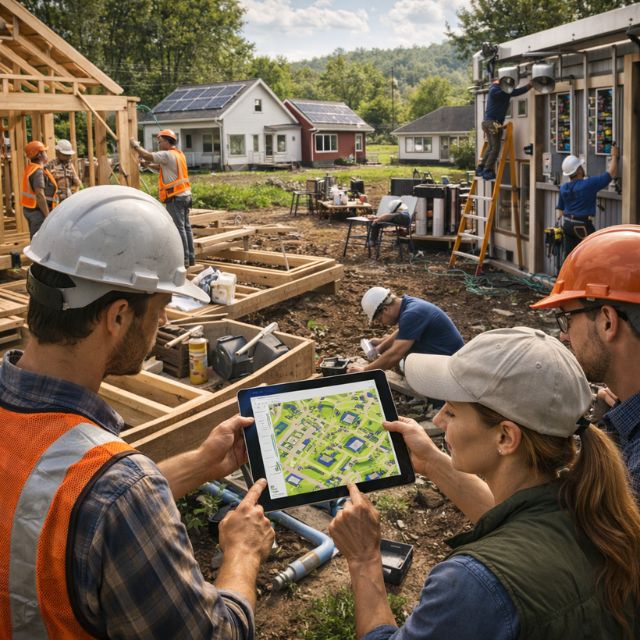
BUILT ENVIRONMENT
Design the buildings. Houses, workshops, clinics, schools, community halls, and fabrication labs — placed in relation to each other and the infrastructure you've already designed.
Structural Engineering
Carpentry & Framing
Electrical
Plumbing
HVAC
Produces → Permit-ready building packages for homes, workshops, community buildings
What You'll Learn
Modular housing placement and expansion logic
Workshop, fab lab, and machine shop siting
Community buildings: hall, clinic, school, library
Passive solar and earth-sheltered design principles
Fire station, emergency shelter, sanitation block
Data centers, monitoring rooms, control centers
Key Icons in This Domain
Seed Eco-Home + modular housing units
Workshop + fabrication lab + machine shop
Community square + governance hall + auditorium
Medical clinic + recreation center + library
Sanitation block + laundry + guest housing
Electrical room + mechanical room + utility building
What This Unlocks
Complete community at $40K per household
Permit-ready drawings for local building dept.
Integrated energy + plumbing into modules
Expandable structures with no redesign
Replicable building enterprises
🚛 DOMAIN 07
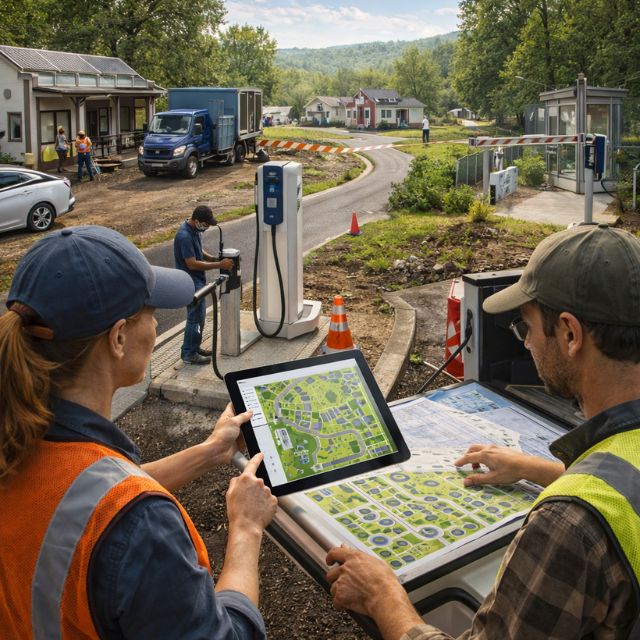
Logistics & Access
Move people, materials, and products. Design your road network, gates, loading docks, parking, EV charging, and autonomous vehicle routes — the circulation system of your development.
Road Construction
Logistics Design
Traffic Engineering
Produces → Access plan, logistics routing, supply chain infrastructure
What You'll Learn
Road hierarchy: primary, secondary, farm track, path
Gate design, security checkpoints, access control
Loading dock, shipping/receiving, freight yard
EV charging stations, fuel stations
Drone corridors and landing zones
Autonomous vehicle route planning
Key Icons in This Domain
Primary + secondary roads + farm tracks + paths
Bridges + gates + security checkpoints
Loading dock + freight yard + container storage
Parking + EV charging + fuel station
Drone corridor + autonomous vehicle route
Fleet management + dispatch + logistics hub
What This Unlocks
Efficient materials supply for construction
Product distribution from farm and factory
Emergency vehicle access and safety compliance
Commercial delivery capability
Future automation readiness
⚙️ DOMAIN 08
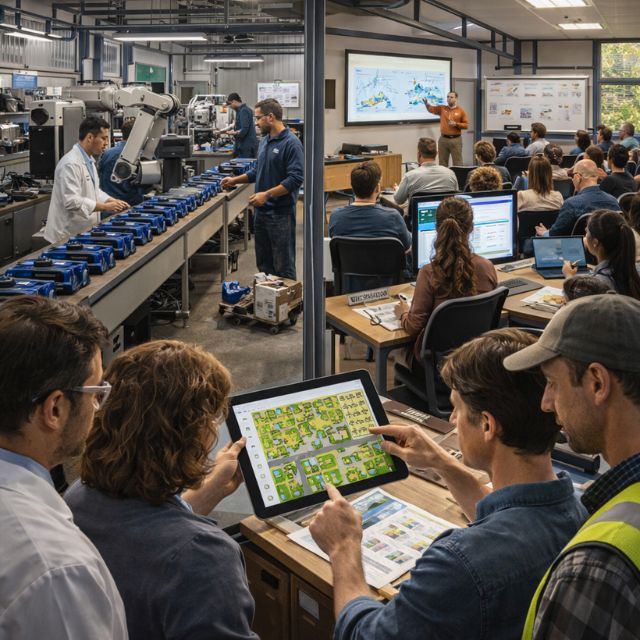
Machines & Operations
Deploy the equipment. Place tractors, excavators, CNC machines, welding stations, 3D printers, and robotics — all within your design context. Know exactly what machines you need and where.
Heavy Equipment
CNC Machining
Robotics
Welding
Produces → Equipment plan, operations hub, maintenance scheduling system
What You'll Learn
OSE Global Village Construction Set: 50 machines
Tractor, skid steer, excavator, bulldozer placement
CNC router, plasma cutter, 3D printer siting
Welding stations and hydraulic power units
CEB press (compressed earth brick) operation
Mobile sawmill, forklift, crane positioning
Key Icons in This Domain
Tractor + skid steer + excavator + bulldozer
CEB press + 3D printer + mobile sawmill
CNC machine + welding station + robotics
Power cube + hydraulic power unit
Autonomous tractor + field robot + drone
Maintenance bay + spare parts + diagnostics
What This Unlocks
On-site fabrication of building components
Agricultural mechanization without debt
Earth brick production for $1/brick
Machine-as-a-service revenue model
Repair and maintain all equipment on site
🪵 DOMAIN 09
MATERIALS PROCESSING
Make your own materials. Sawmill lumber. Fire bricks. Smelt steel. Recycle plastic. This is where a site becomes truly self-sufficient — producing its own building blocks.
Sawmill Operations
Kiln & Ceramics
Metallic Fabrication
Recycling
Produces → Self-sourced lumber, brick, concrete, steel — at 1/10 market cost
What You'll Learn
Sawmill and lumber drying kiln design
Brick kiln, lime kiln, and glass furnace
Solar steel furnace and metal rolling
Concrete batching and solar concrete
Plastic recycling and filament production
QA testing lab and materials logistics
Key Icons in This Domain
Sawmill + lumber drying kiln + chipper
Brick kiln + lime kiln + glass furnace
Steel furnace + metal rolling + casting
Concrete batching + aggregate storage
Plastic recycling + extrusion + filament
Scrap yard + materials testing lab + QA
What This Unlocks
Building materials at near-zero cost
On-demand steel and aluminum fabrication
Closed-loop recycling — zero waste stream
Local materials supply chain
New revenue from materials production
🏭 DOMAIN 10
Manufacturing, Learning & Governance
Run the whole thing. Design assembly lines, Rapid Learning Facilities, credentialing stations, and governance systems — the intelligence layer that turns a site into a functioning enterprise.
Manufacturing Engineering
Education Design
Governance & Operations
Produces → Operational enterprise — scalable, replicable, and governed
What You'll Learn
Assembly line and flexible manufacturing cell design
Rapid Learning Facility layout and programming
AR learning nodes and LAN knowledge servers
Credentialing and assessment systems
Governance: voting, consensus, contribution ledger
KPI dashboards, risk monitoring, safety systems
Key Icons in This Domain
Assembly line + robotics cell + conveyor
Rapid Learning Facility + training station
AR node + LAN server + knowledge hub
Credentialing station + assessment node
Governance node + voting + consensus systems
KPI dashboard + compliance + collaboration hub
What This Unlocks
Replicable enterprise that can train others
Certified workforce in 30+ trades
Transparent, democratic decision-making
Scalable to multiple locations
A living civilization prototype
In total, Iconic CAD spans 10 domains — from energy, utilities, agriculture, and buildings to logistics, machines, materials, and governance — each with its own library of expert-encoded icons and real-world outputs.
THE TEN DOMAINS
10 LAYERS THAT BUILD
AN ENTIRE CIVILIZATION
Iconic CAD organizes all of infrastructure into 10 logical domains. Each domain is its own layer of your site design — and each one maps to multiple real-world trades. Click any domain in the live product to see exactly what trades it covers, what you'll learn, and what it produces. Below are examples from the first domains.
🗺️ DOMAIN 01
Base Map & Terrain
The foundation of everything. Before you can build anything, you must understand the land — slopes, drainage, soil, frost lines, and legal boundaries.
- Land Surveying
- Site Analysis
- GIS Mapping
Produces → Site boundary, grading plan, legal package
💧 DOMAIN 02
Water Systems & Earthworks
Move water. Shape land. Design the ponds, swales, wells, and irrigation systems that make a productive site possible. This is the "circulatory system" of your land.
- Earthmoving
- Hydrology
- Well Drilling
- Irrigation Design
Produces → Water independence, flood control, irrigation grid
⚡ DOMAIN 03
Energy Infrastructure
Power everything. Design solar arrays, wind turbines, biogas digesters, battery banks, and microgrids. The energy layer determines what is possible in every other domain.
Solar PV
Battery Systems
BioGas Engineering
Grid Design
Produces → Full energy independence — solar, storage, backup, distribution
🔧 DOMAIN 04
UTILITIES
The invisible backbone. Water treatment, internet, communications, waste management, and monitoring systems that keep a site functioning reliably and indefinitely.
Water Treatment
Telecoms
Waste Systems
Sensor Networks
Produces → Clean water, fast internet, waste treatment, remote monitoring
🌱 DOMAIN 05
AGRICULTURE SYSTEMS
Grow food at scale. Design orchards, greenhouses, aquaponics, livestock operations, and processing facilities. Turn your land into a productive, regenerative food system.
Permaculture
GreenHouse Design
Livestock Management
Food Processing
Produces → Food independence, farm enterprise, agricultural products
🏠 DOMAIN 06
BUILT ENVIRONMENT
Design the buildings. Houses, workshops, clinics, schools, community halls, and fabrication labs — placed in relation to each other and the infrastructure you've already designed.
Structural Engineering
Carpentry & Framing
Electrical
Plumbing
HVAC
Produces → Permit-ready building packages for homes, workshops, community buildings
🚛 DOMAIN 07
Logistics & Access
Move people, materials, and products. Design your road network, gates, loading docks, parking, EV charging, and autonomous vehicle routes — the circulation system of your development.
Road Construction
Logistics Design
Traffic Engineering
Produces → Access plan, logistics routing, supply chain infrastructure
⚙️ DOMAIN 08
Machines & Operations
Deploy the equipment. Place tractors, excavators, CNC machines, welding stations, 3D printers, and robotics — all within your design context. Know exactly what machines you need and where.
Heavy Equipment
CNC Machining
Robotics
Welding
Produces → Equipment plan, operations hub, maintenance scheduling system
🪵 DOMAIN 00
MATERIALS PROCESSING
Make your own materials. Sawmill lumber. Fire bricks. Smelt steel. Recycle plastic. This is where a site becomes truly self-sufficient — producing its own building blocks.
Sawmill Operations
Kiln & Ceramics
Metallic Fabrication
Recycling
Produces → Self-sourced lumber, brick, concrete, steel — at 1/10 market cost
🏭 DOMAIN 10
Manufacturing, Learning & Governance
Run the whole thing. Design assembly lines, Rapid Learning Facilities, credentialing stations, and governance systems — the intelligence layer that turns a site into a functioning enterprise.
Manufacturing Engineering
Education Design
Governance & Operations
Produces → Operational enterprise — scalable, replicable, and governed
In total, Iconic CAD spans 10 domains — from energy, utilities, agriculture, and buildings to logistics, machines, materials, and governance — each with its own library of expert-encoded icons and real-world outputs.
THE LEARNING PATH
FROM BEGINNER
TO CERTIFIED DESIGNER
Iconic CAD training is self-paced and progressive. You build real skills in each domain before moving to the next. By the end, you can design and cost an entire 30-acre development node — from scratch.
Week 1–2
Orientation
Interface basics, terrain, and site boundary tools. Complete your first simple site map.
Week 3–4
Water & Energy
Design a complete off-grid water and energy system for a single homestead.
Week 5–6
Food & Shelter
Add agriculture and your first modular home. Generate your first cost estimate.
Week 7–8
Production & Machines
Add workshops, fab labs, machines, and material processing to your design.
Week 9–10
Full Site
Complete a full 30-acre development node design with all 10 domains integrated.
Week 11–12
Certification
Submit your final design package. Receive your Iconic CAD Designer certificate.
WHY THIS MATTERS
WHAT YOU GET
VS. WHAT EXISTS
Traditional Route
$200K+
Engineering Firm + Contractor
- You pay for every revision and every question
- Proprietary software — vendor lock-in forever
- Fragmented: different firms for each domain
- No integration between systems or cost visibility
- 6–18 months to get a buildable plan
- You have no idea how anything actually works
Iconic CAD Training
YOU
Drag. Drop. Design. Build.
- Design your own site from day one — no fees per revision
- Fully open source — zero vendor lock-in, ever
- All 10 domains in one integrated platform
- Real-time cost estimates as you design
- Buildable plan in weeks, not months
- You understand every system you design
WHO SHOULD ENROLL
IF ANY OF THIS IS YOU —
THIS IS FOR YOU.
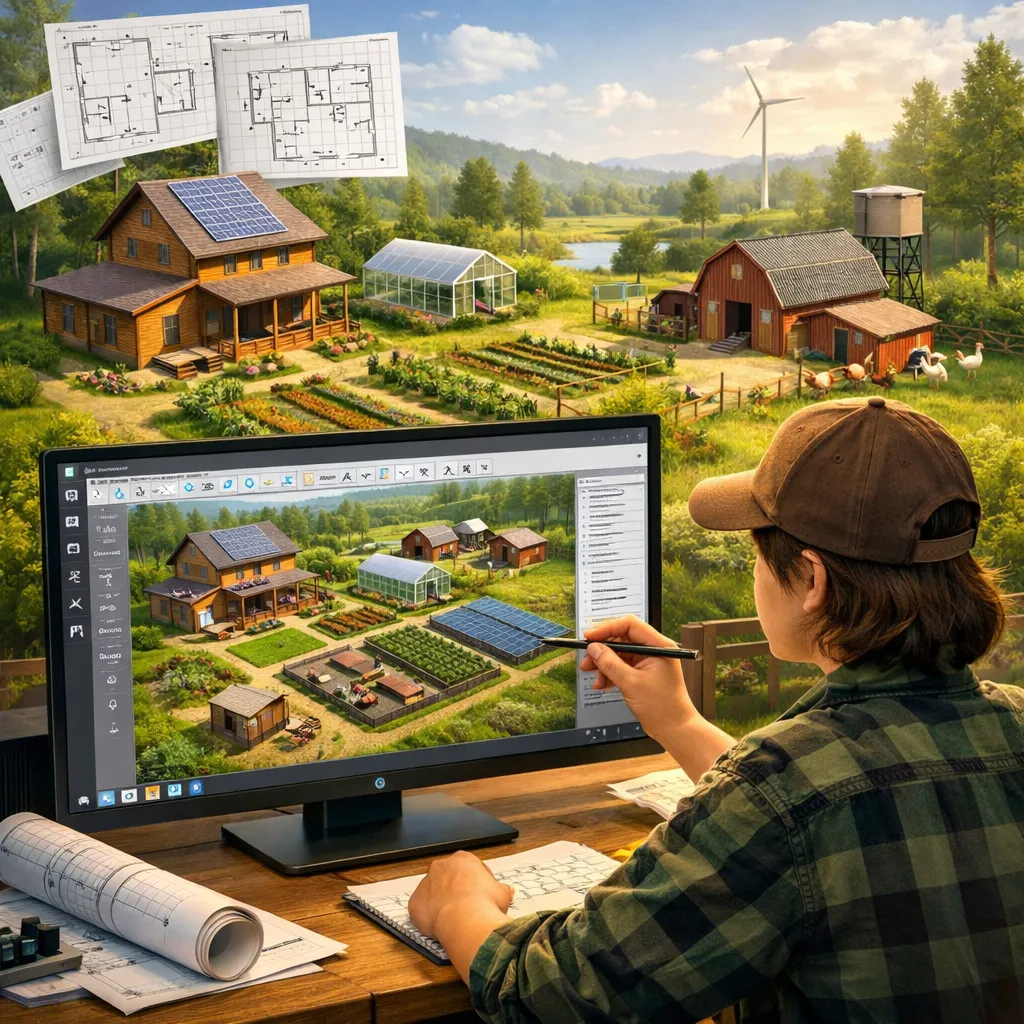
You want to build your own home and grow your own food — and you want to do it right, from the start. Iconic CAD lets you design your entire property before breaking ground.
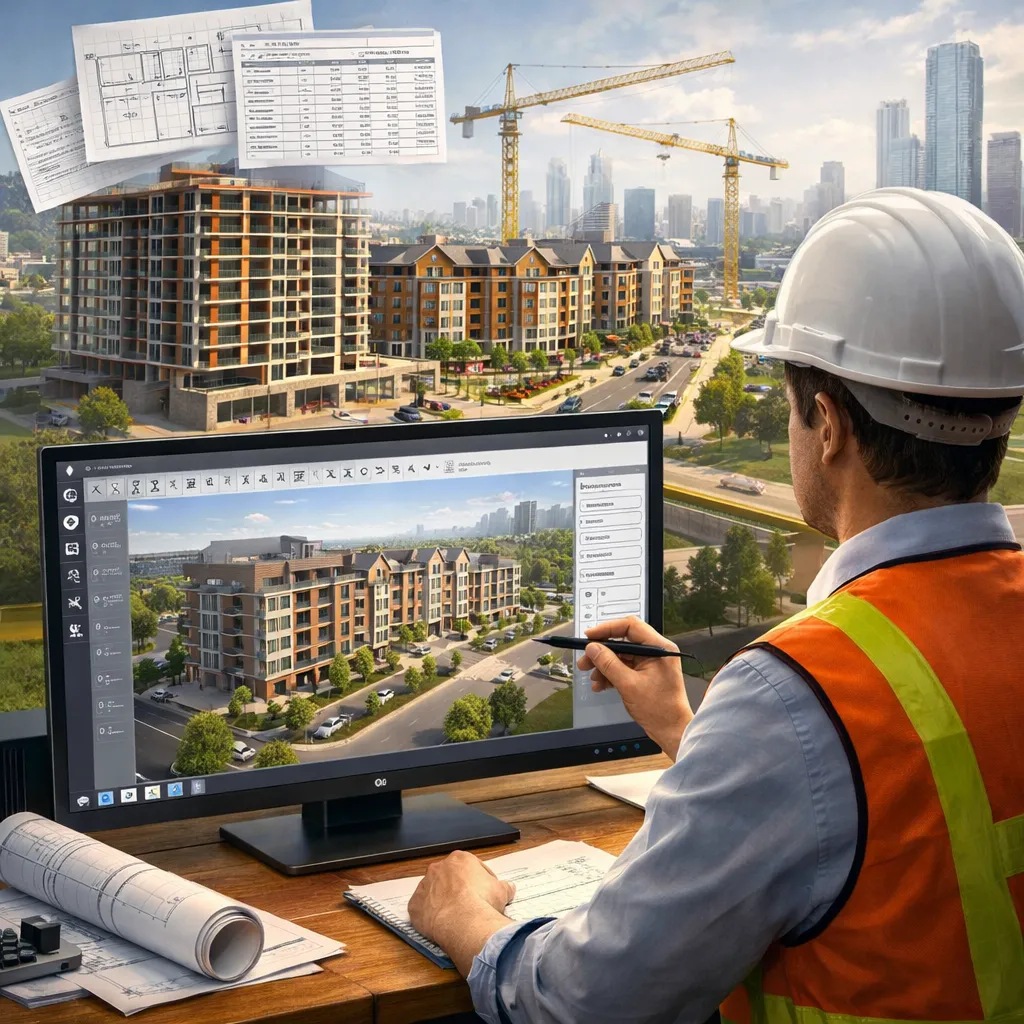
The Builder & Developer
You're already in construction, real estate, or development. Iconic CAD gives you a tool to design and cost projects in 10% of the time — and stand apart in a commodity market.
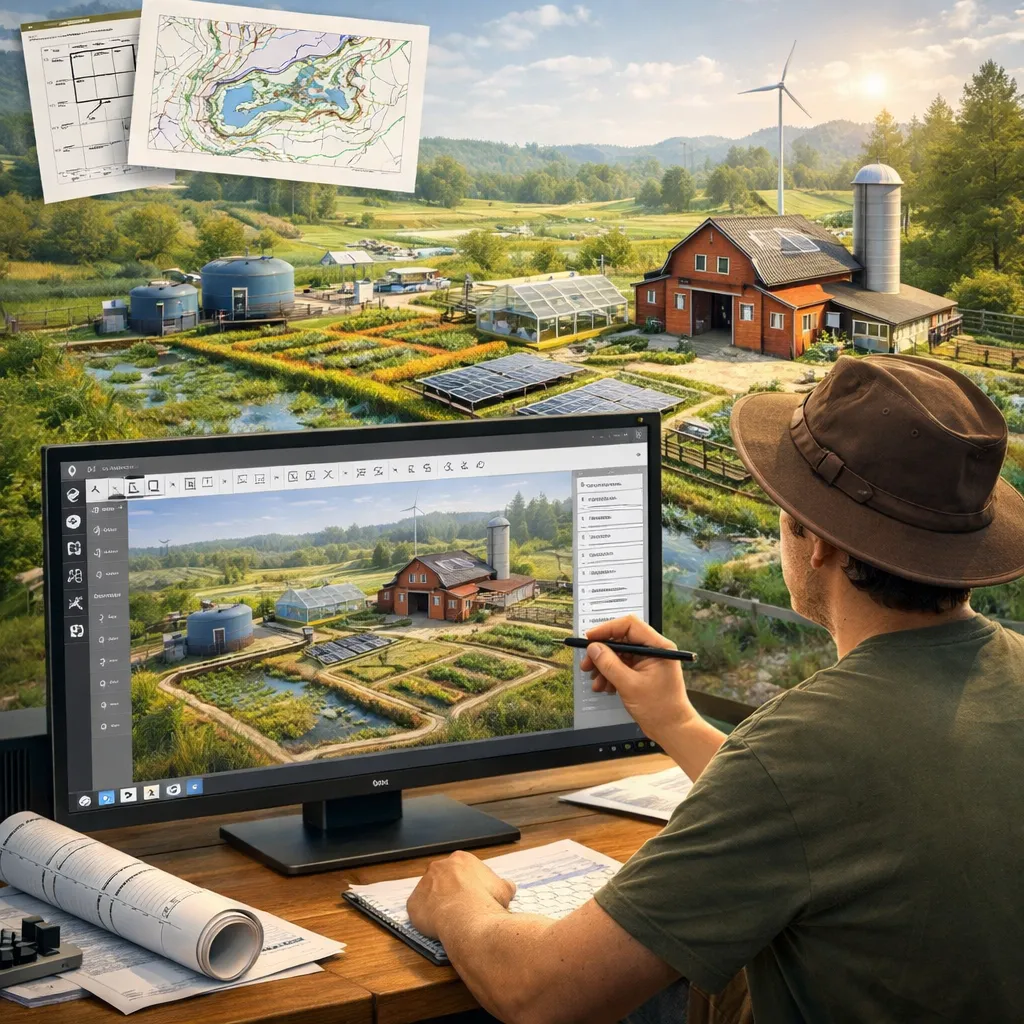
The Regenerative Farmer
You're growing food and want to integrate water, energy, and processing systems into a cohesive whole. Design your complete farm infrastructure with Iconic CAD.
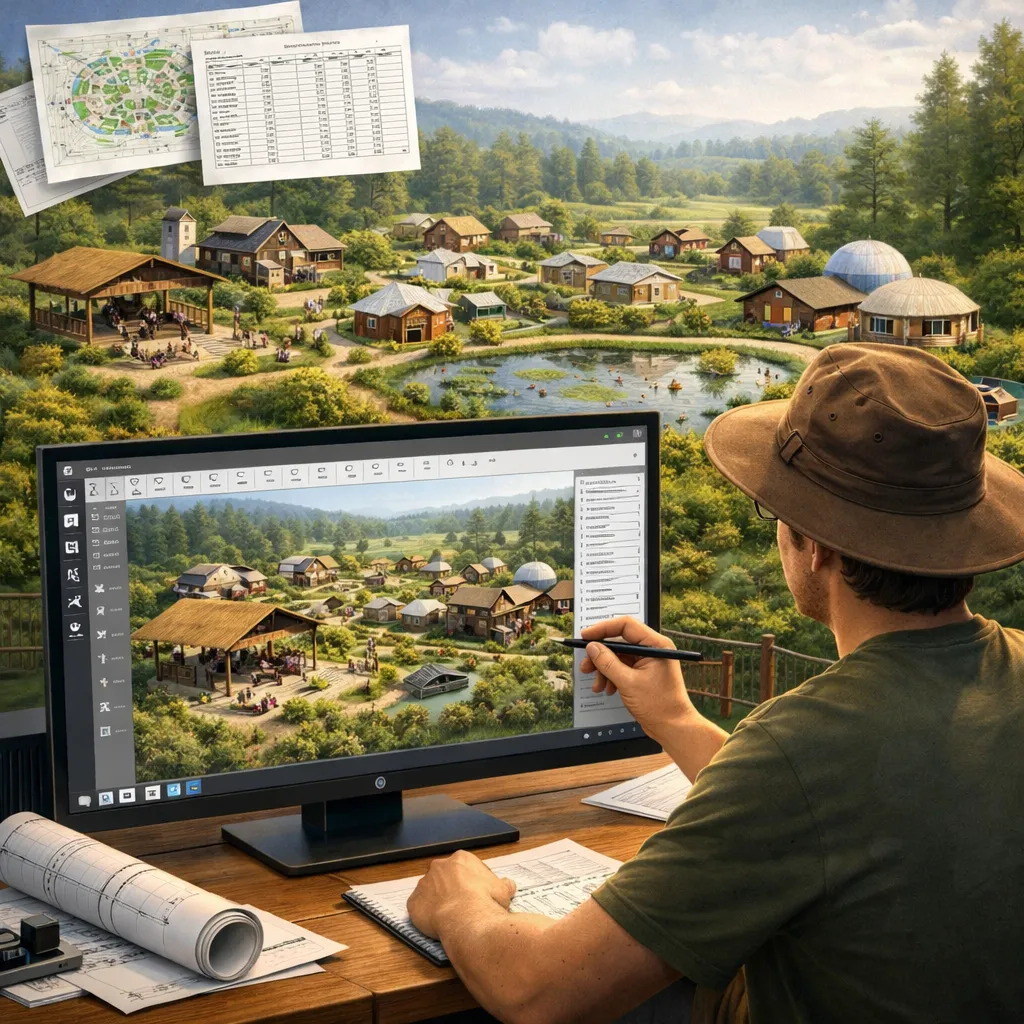
The Community Builder
You're starting or growing an intentional community, ecovillage, or rural development. Design a complete, functioning settlement for dozens of people using one platform.
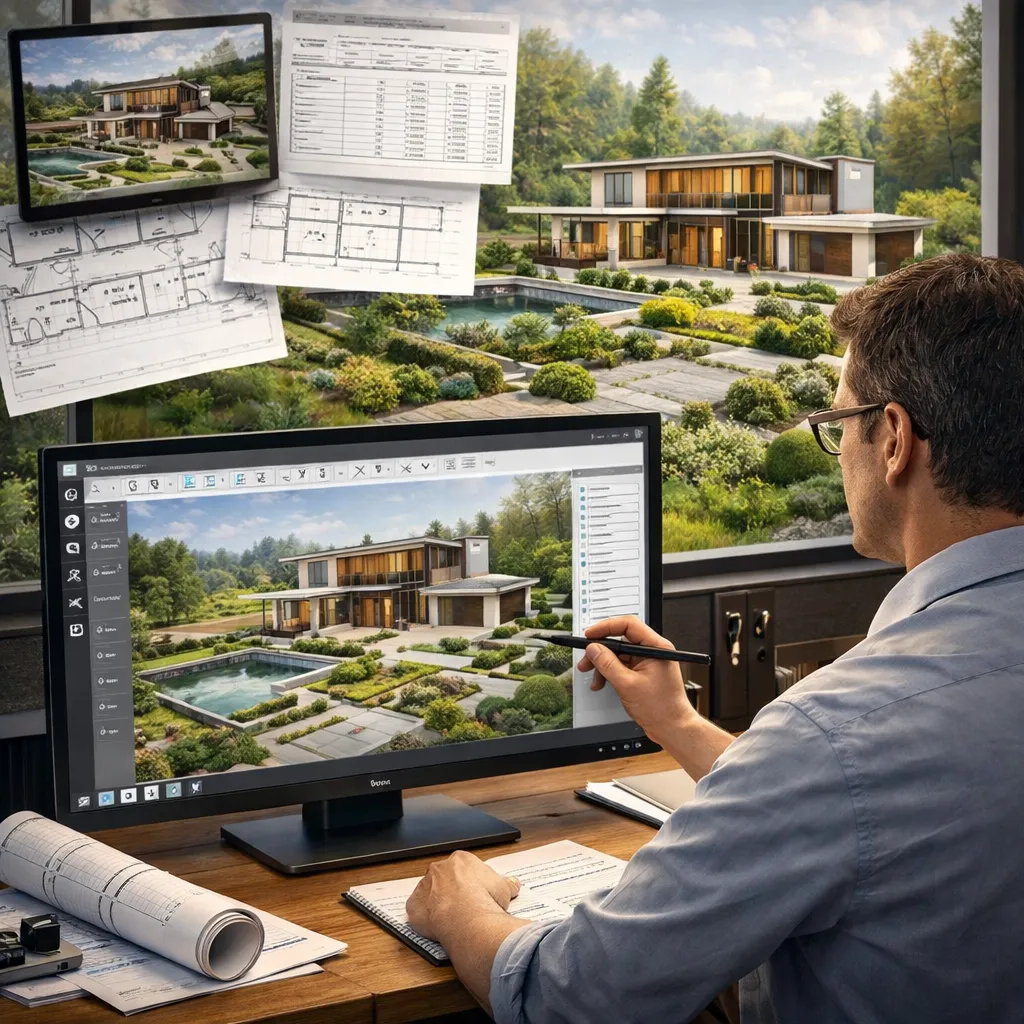
The Designer & Architect
You want to offer clients something no one else can — integrated site design across all domains, with real cost estimates and production-ready output. Add Iconic CAD to your practice.
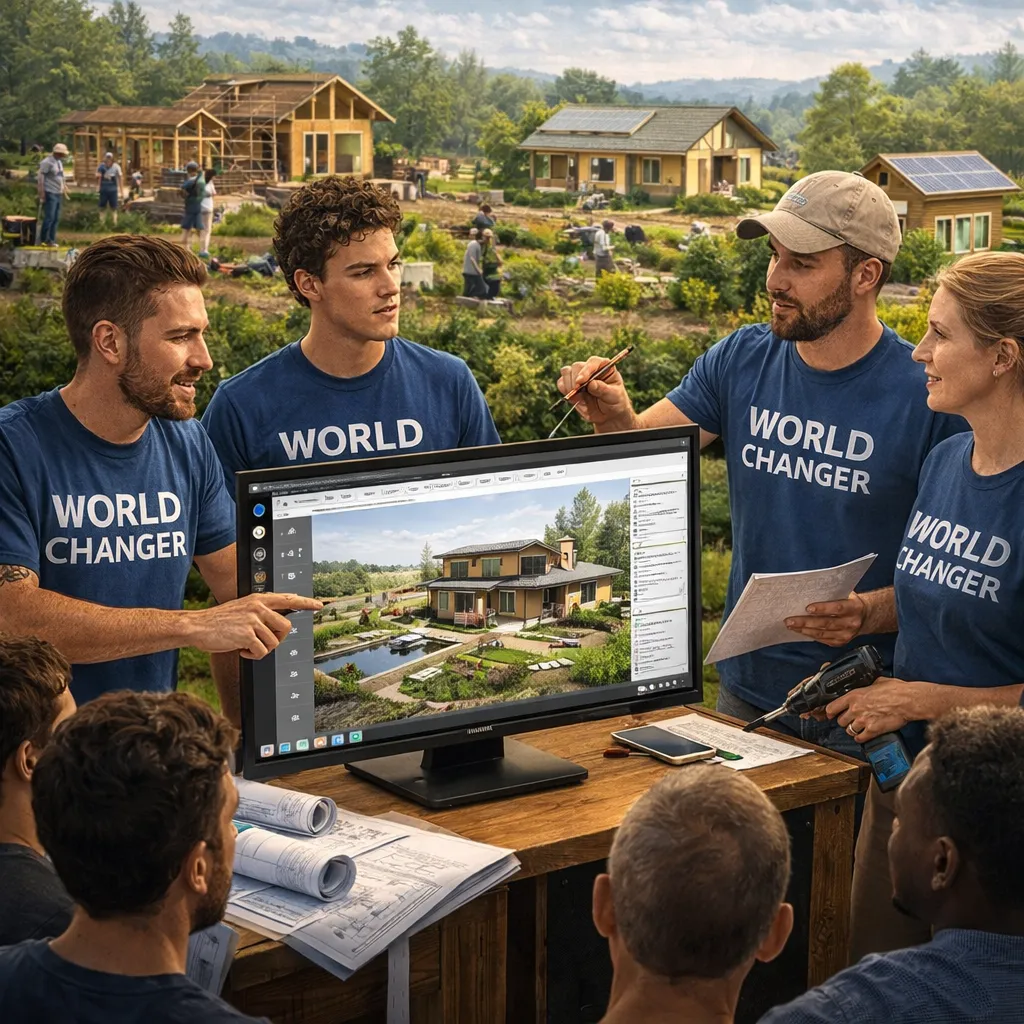
The World Changer
You believe infrastructure abundance is the key to human freedom. You want to build — and teach others to build — the physical foundation of a better world. Start here.
GOT QUESTIONS?
WE'VE GOT
ANSWERS.
Do I need any design or engineering background to use Iconic CAD?
None required. That's the entire point of Iconic CAD — the engineering knowledge is embedded in the icons themselves. When you drag a solar array onto your site map, the system already knows how much power it generates, what inverter it needs, and what it costs. You focus on the "what and where." The system handles the "how and how much."
What does "drag-and-drop" actually mean? Is this like SketchUp or AutoCAD?
Iconic CAD is fundamentally different from SketchUp or AutoCAD. Those tools require you to bring the engineering knowledge — you draw what you already know. Iconic CAD is the reverse: each icon carries real engineering specifications. It's closer to a strategic board game where every piece has a function. You compose systems by placing icons, and the platform generates the technical detail automatically.
What can I actually produce at the end of the training?
By the end of the 12-week Iconic CAD certification, you'll be able to produce: (1) a complete site design for a 30-acre development node covering all 10 infrastructure domains; (2) a transparent bill of materials with real cost estimates; (3) service options ranging from self-build to OSE-facilitated workshops; and (4) parametric CAD files ready for fabrication. This is a production-grade output — not a rendering or a sketch.
How is this different from the 14-Day Builder Crash Course?
The Builder Crash Course teaches you to physically construct a home — hands in the dirt, tools in your hands. Iconic CAD Training teaches you to design an entire site or settlement from scratch — at the computer, before breaking ground. Ideally you do both: design with Iconic CAD, then build with the skills from the Crash Course. Together they give you the complete picture: from concept to construction.
What is the Expertise-Embedded Design Principle?
This is the core idea behind Iconic CAD. Instead of requiring users to know engineering, the expertise is stored inside the icons. A solar PV icon "knows" what it produces, what it costs, and what it connects to. A retention pond icon "knows" its capacity, its overflow design, and its earthwork requirements. By composing icons, a non-expert makes technically valid engineering decisions — because the system enforces the constraints.
Can I use Iconic CAD for a project I'm already working on?
Yes — and we encourage it. The most effective way to learn Iconic CAD is to apply it to a real project as you go. Whether you're designing a homestead, a farm, a housing development, or a community, working on your actual project during training accelerates your learning and produces immediate, useful output.
More questions? We want to answer all of them before you apply.
START TODAY
READY TO DESIGN
YOUR WORLD?
Join the Iconic CAD Training program. 12 weeks. Self-paced. Real output.
The skills to design any infrastructure — from a homestead to a village — for the rest of your life.
Questions? Email us at [email protected]